
Is your online store fighting you every step of the way?
Every successful online store grows until it bumps up against limitations. Sales increase. Traffic increases. Product ranges expand…and the system that worked great on day 1 begins to buckle.
Here’s the problem:
Few merchants realize they have a problem until they’re losing revenue. They blame their advertising. They blame their products. They blame the season.
But the real issue is sitting right under their nose.
In this article you’ll see the 7 biggest red flags that your store has outgrown its platform and how to handle each.
Let’s jump in!
Why Your Platform Matters More Than You Think
Your ecommerce platform is the engine of your whole business. Everything runs through it:
- Product pages
- Checkout
- Stock levels
- Marketing data
If your engine is strong, everything else will hum along nicely. If your engine is weak… Then everything else has to over-perform.
Consider ecommerce PPC management. You can have the most precise ad campaigns for your niche – exact keyword targeting, intelligent bidding. But if those paid clicks land on a slow, buggy store, you are flushing away most of your ad spend.
That’s why so many scaling brands hire an eCommerce agency to evaluate the entire landscape — website platform, paid search campaigns, and everything in between the click and checkout. Effective ecommerce PPC strategy only matters if the store receiving the traffic can convert that paid traffic into sales.
It makes sense, right?
Ok, but how can you tell if your platform is cramping your style? Here are a few signs to look for.
7 Signs Your Store Has Outgrown Its Platform
1. Your Site Speed Is Slowing Down
Site speed is one of the first things that tends to decrease when a platform begins to falter.
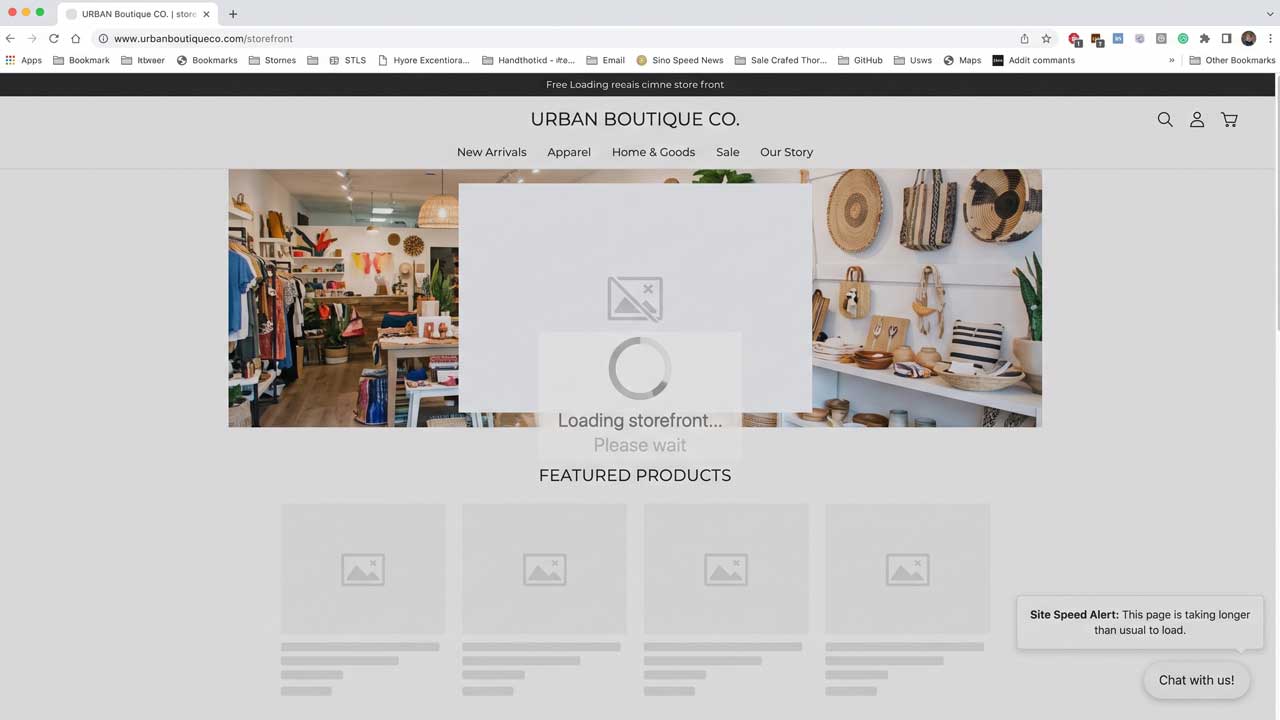
The more products, apps and plugins you add to most platforms, the slower things become. Page loading speeds decrease. Images take forever to show up. Category pages move in slo-mo.
And shoppers notice.
Deloitte research revealed that a 0.1 second speed boost improved retail conversions by 8.4%. Who would have thought milliseconds mattered?
Flip that around… If your store continues to slow down as it expands, you are losing money every day.
2. Your Checkout Keeps Losing Sales
Checkout is where the money is made. Or lost.
The average cart abandonment rate is a staggering 70.22%. 17% of online shoppers abandon their carts because the checkout process is too lengthy or complex.
That’s a problem your platform directly controls, not your marketing team.
If your platform won’t let you:
- Add a one-page checkout
- Offer guest checkout
- Add new payment options like Buy Now Pay Later
…then you have a real problem on your hands.
3. You Rely On Too Many Plugins
Here’s something most store owners don’t realise…
Whenever a platform can’t do something, you add a plugin to handle it. Then another plugin. And another plugin.
Before you know it, you’re paying for 20 apps that:
- Slow down your site
- Clash with each other
- Cost a small fortune every month
Plugins are okay occasionally. But when you need a pile of patches just to keep your store running it’s obvious the platform is falling behind.
4. Your Site Crashes During Busy Periods
Black Friday should be the most profitable weekend of your entire year.
Sure, but if your site crashes under high traffic volumes it becomes your worst nightmare. Site crashes equal lost revenue, wasted advertising dollars and customers who may never return.
Ever sit back and plan out that HUGE sale you’re going to have? You crank up advertising. Hordes of customers descend on your site…and it crashes.
A platform that can’t handle peak traffic is a platform you’ve outgrown.
5. Your Team Spends Hours On Manual Work
Is your team still copying orders into spreadsheets? Updating stock by hand?
Scaling stores will require automation as order volumes increase. Look for a platform that easily integrates with your:
- Inventory system
- Accounting software
- Email marketing tools
- Shipping partners
If not, your team spends hours on tedious tasks rather than expanding the business. Hours that quickly add up.
6. Your Marketing Data Doesn’t Add Up
This one hits paid advertising particularly hard.
Without proper conversion tracking, your advertising campaigns are wandering aimlessly. You won’t know which keywords are profitable or costing you money.
Strong ecommerce PPC management relies on clean data. That includes:
- Accurate conversion tracking
- Product feeds that sync with Google Shopping
- Clear revenue reports by channel
If your platform uploads faulty product feeds or misses conversions, smart bidding can’t work effectively. The consequence? Your cost per sale increases each month.
7. You Can’t Expand The Way You Want
Want to sell in new countries? Launch a wholesale store? Add subscriptions?
Features like multi-currency, multi-language and B2B pricing either require hacks or aren’t possible with many simple platforms.
When your growth ambitions are continually stifled by “that’s not something the platform can do”…re-evaluate.
What To Do Next
Spotted a few of these signs? Don’t panic.
Migrating to a new platform can seem like a daunting task. Here are some simple tips to get you started:
- Audit your current setup: List every plugin, integration and pain point.
- Know your goals: What will the new platform be required to do in 2-3 years, not just right now?
- Check your data: Ensure product, customer and order data can be migrated cleanly.
- Protect your SEO: Plan your redirects so you don’t lose your rankings.
- Check your ads: Update your tracking and product feeds before you reactivate your campaigns.
That last step is huge.
Use the opportunity of a platform move to start fresh with your tracking implementation. With that approach your ecommerce PPC management has clean, dependable data from day one – and every click will have the best chance to convert.
The Bottom Line
Growing out of your platform is a good problem to have. It means your store is expanding!
But if you ignore the signs, you will pay the price. Slow pages, lost checkouts and broken tracking eat into your margins. They also decrease your advertising dollar’s effectiveness.
To quickly recap, watch out for:
- Slow site speed
- High checkout drop-off
- Too many plugins
- Crashes during busy periods
- Hours of manual work
- Messy marketing data
- Blocked growth plans
See two or three of these things? It’s time to put together your migration strategy. Your customers (and advertising budget) will appreciate it.