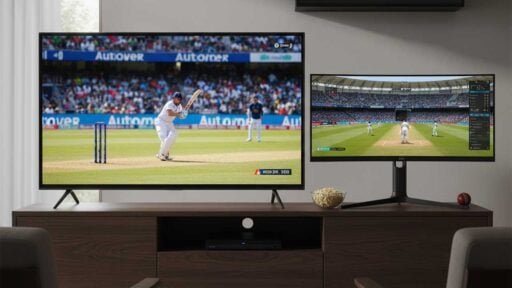
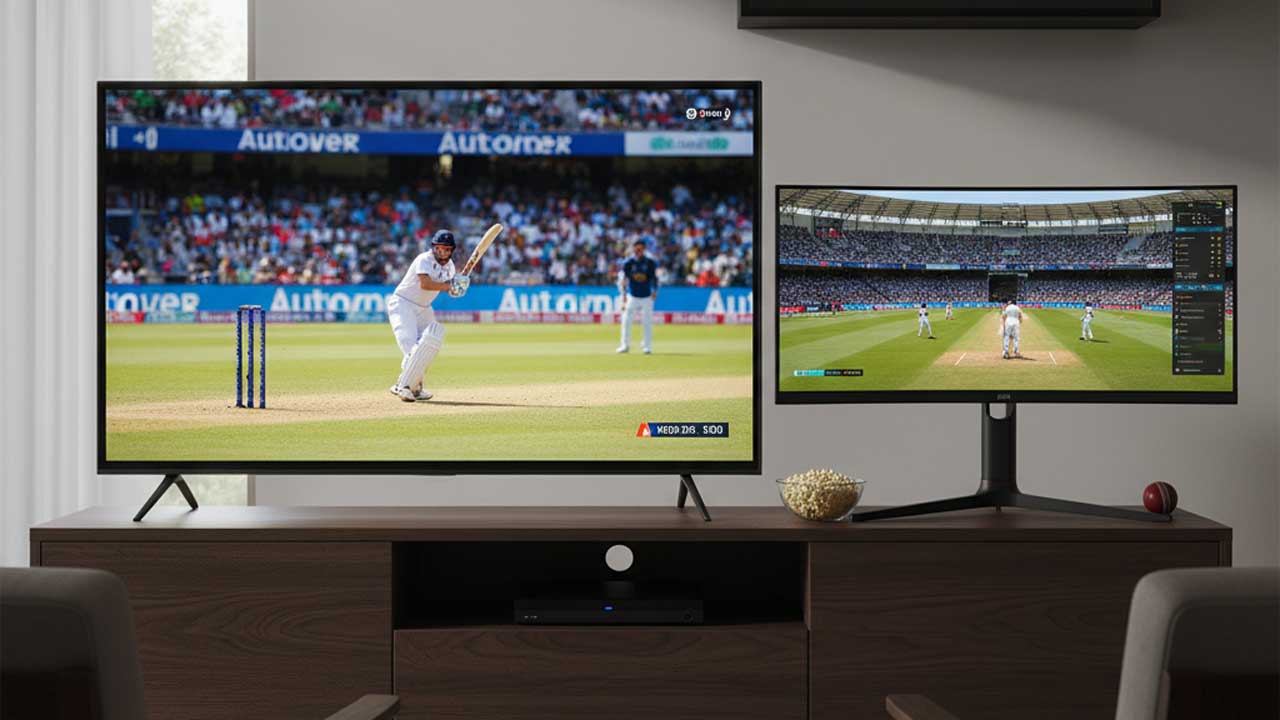
A good second screen turns a long match into a smooth rhythm – highlights land on time, alerts make sense, and the main TV never needs a pause. The trick is not more gadgets. It is a few habits that keep latency steady, alerts quiet, and batteries cool through a full evening.
Most fans juggle two needs at once. Live video should feel immediate. Side info – scores, player notes, weather – should sit a tap away without stealing attention. The setup below is built for that balance, using simple tweaks that work on mid-range phones and everyday laptops.
Table of Contents:
Latency that matches the moment
The fastest route is the one that stays steady. Phones often feel snappier at the finger because touch is direct. Desktops even the score with wired mice and fixed monitors. What usually decides the experience is the network hop. At home, 5 GHz Wi-Fi near the router beats busy 2.4 GHz in the next room. In crowded venues, strong mid-band data often outrun public Wi-Fi that hundreds of people share. When comparing sources and formats, check a low-delay feed and fixture listings, then read more on options that prioritize live cricket over catch-up features so the second screen tracks the TV rather than lagging behind.
A calm connection changes how the brain and eyes read the play. A steady 35 ms feels cleaner than a headline 20 ms that spikes every minute. Choose the calmer line for the entire session and keep it. Switching paths mid-over forces the mind to relearn timing.
Notifications that inform, not intrude
Alerts decide whether a second screen is useful or noisy. The best ones answer two questions: what just happened, and whether to look up. Everything else can wait until innings break.
- Create a “match lane” that carries wickets, milestones, rain, and the final. Keep all promos in a separate, silent lane.
- Pin only the teams actually followed. Global alerts for every league turn night games into midnight pings.
- Allow banners. Hide lock-screen previews for anything sensitive so the room stays private.
- Use do-not-disturb with exceptions for the match lane. The TV keeps rolling. The phone stays polite.
- Turn on per-app summaries for news and editor picks. Those drop in one bundle after stumps, not mid-over.
This light structure keeps attention on the main picture while still catching the moments that need a glance.
Battery-friendly video without the smudge
Heat is the silent saboteur of live video. Warm phones throttle. Throttled phones stutter. Small power trims keep streams smooth.
Start by lowering the brightness one notch. Eyes adapt in seconds. Use a natural color profile – vivid modes push glare and invite higher brightness than needed. If the app offers dynamic quality, lock one step below maximum on mobile data. On a six-inch screen, the difference is invisible while the battery gain is real. Remove thick cases for long sessions and rest the device on a stand so air flows around the back. Avoid charging under load. If power is required, use a slow charger and give the device a two-minute screen-off pause at the innings break.
Background activity matters as much as pixels. Close the camera, maps, and any app that polls sensors. Pause cloud backups until the match ends. These small trims keep temperatures down and motion clear.
Network choices that stay steady
Consistency beats raw speed for cricket. If wired Ethernet is an option for a laptop, take it. If not, sit within one room of the router on 5 GHz. In apartments, choose a channel with fewer neighbors. On the road, strong-signal data is usually better than open venue Wi-Fi. Tether only when the host device has a clean line and is set to stay on a single radio, so it does not bounce between towers.
Buffering at the wrong moment is rarely just the provider. It is often housemates downloading updates or cloud drives syncing. Ask for a 30-minute pause when the finish looks tight. A quiet network for one key stretch does more for memory than any picture preset.
Two screens, one brain – simple ergonomics
A second screen should reduce eye travel, not double it. Keep the TV centered and the phone or tablet just below the sight line, slightly to the dominant-hand side. Use a matte screen protector on the handheld to cut glare from lamps. Set captions at a medium weight with a soft outline so numbers stay readable without pushing brightness.
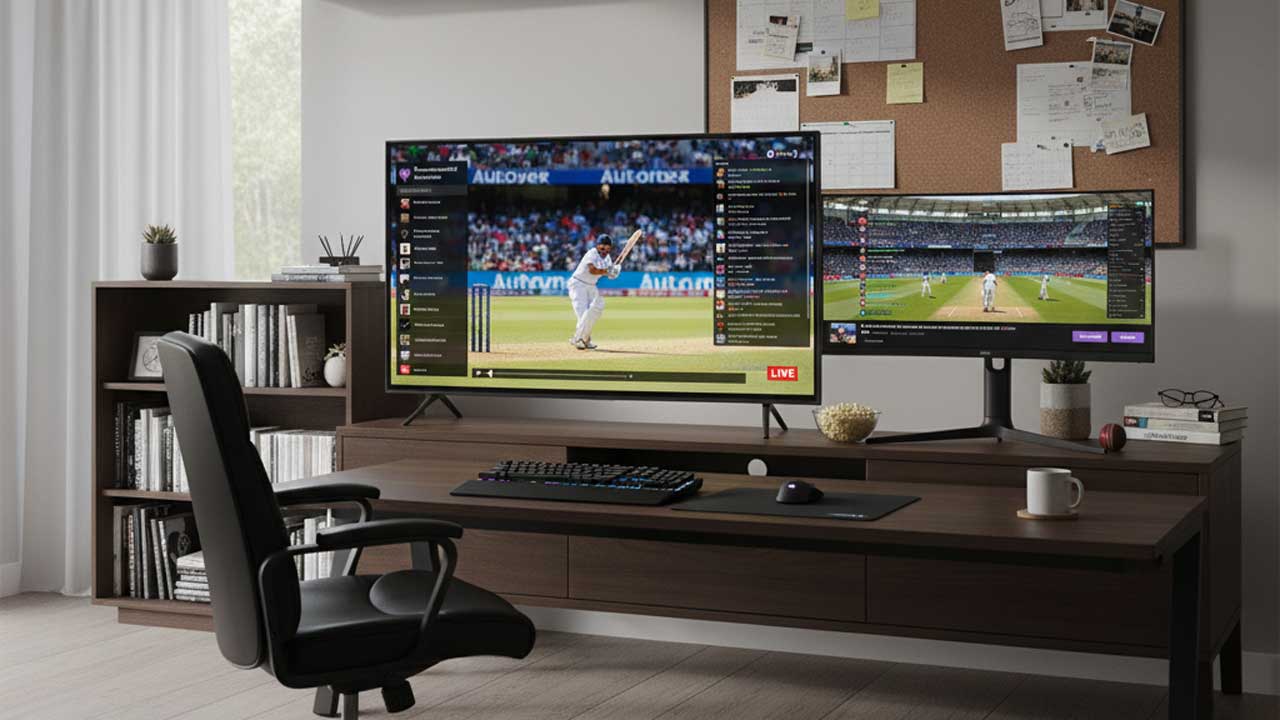
Hands tire before minds do. A slim grip or strap steadies thumbs without trapping heat like a heavy case. Closed-back earbuds on the second screen isolate commentary for those who like parallel audio tracks. For shared rooms, keep system volume moderate and consistent. Sudden peaks break focus and cause unnecessary rewinds.
A match night that runs itself
Preparation takes two minutes and saves an hour of fiddling. Pick the calmer network and stick to it. Trim alerts to the match lane. Lock stream quality a notch below max and drop brightness a touch. Rest the device on a stand with the case off. Keep one notes app open for player watch-list and weather cues. The result is a second screen that actually helps – no frantic app-juggling, no rolling eyes from the sofa, no dead battery at the final over.
Second-screen cricket in 2026 is not about more screens. It is about calm choices that make the one in your hand play nicely with the one on the wall. Keep latency steady, alerts purposeful, and power draw light, and every evening feels smoother – from first loosened to handshake – with room left for conversation rather than settings.