Paying for your MRT-3 ride is now more convenient. You can use your GCash wallet to skip the ticket lines and access the dedicated fast lanes. This guide explains the three different ways you can pay for your commute.
What You’ll Need to Get Started
Before heading to the station, please make sure you have:
- A fully verified GCash account.
- A balance of at least ₱28 in your GCash wallet. This amount covers the highest possible fare, and you will be refunded the difference after your trip.
Option 1: Tap Your Phone to Pay (NFC)
This method lets you use your phone as your ticket.

Who can use this: Android users with phones that have Near Field Communication (NFC).
One-Time Setup: You only need to do this once in your GCash app.
- Go to Settings in your GCash app.
- Turn on your phone’s NFC feature.
- Select Tap to Pay, log in, and agree to the terms.
At the Station:
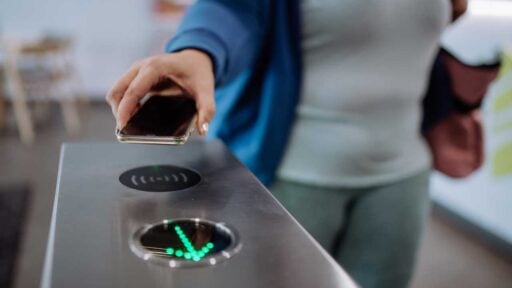
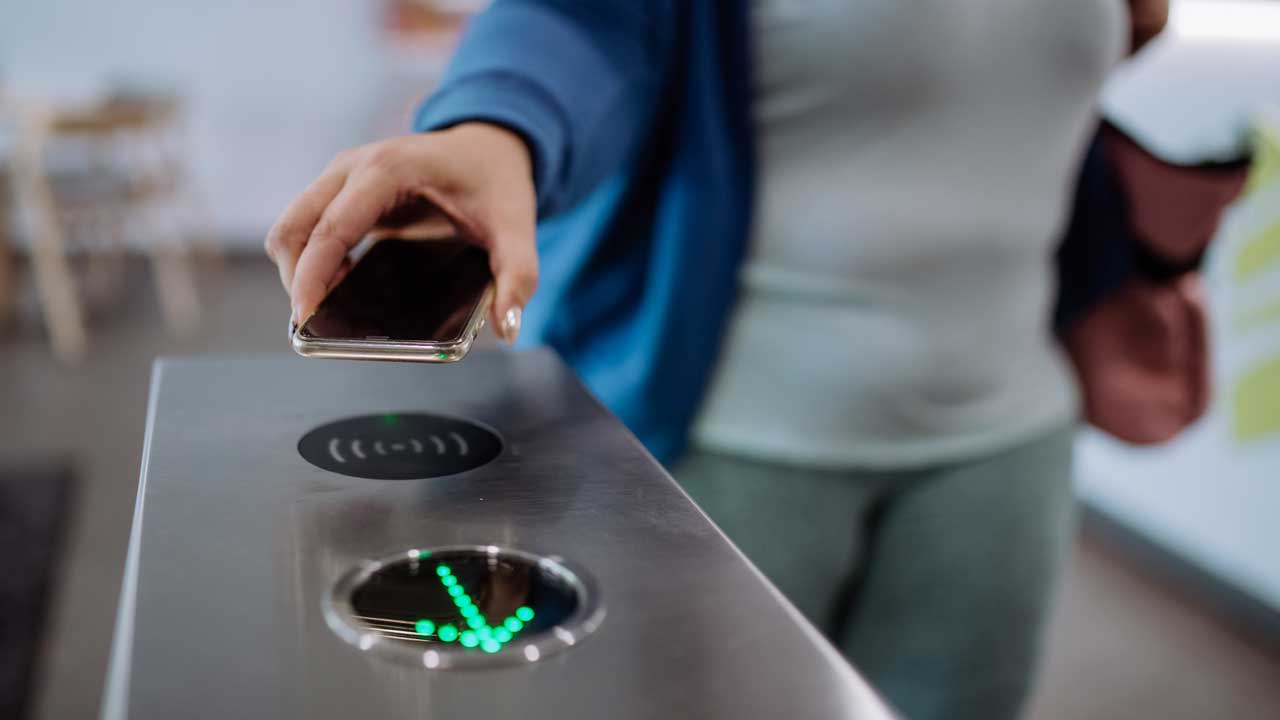
- To Enter: Open the GCash app and tap your phone on the turnstile reader.
- To Exit: Tap your phone on the exit turnstile reader. The system will then calculate your exact fare.
Option 2: Scan a QR Code
This option works for any smartphone by generating a digital QR ticket.
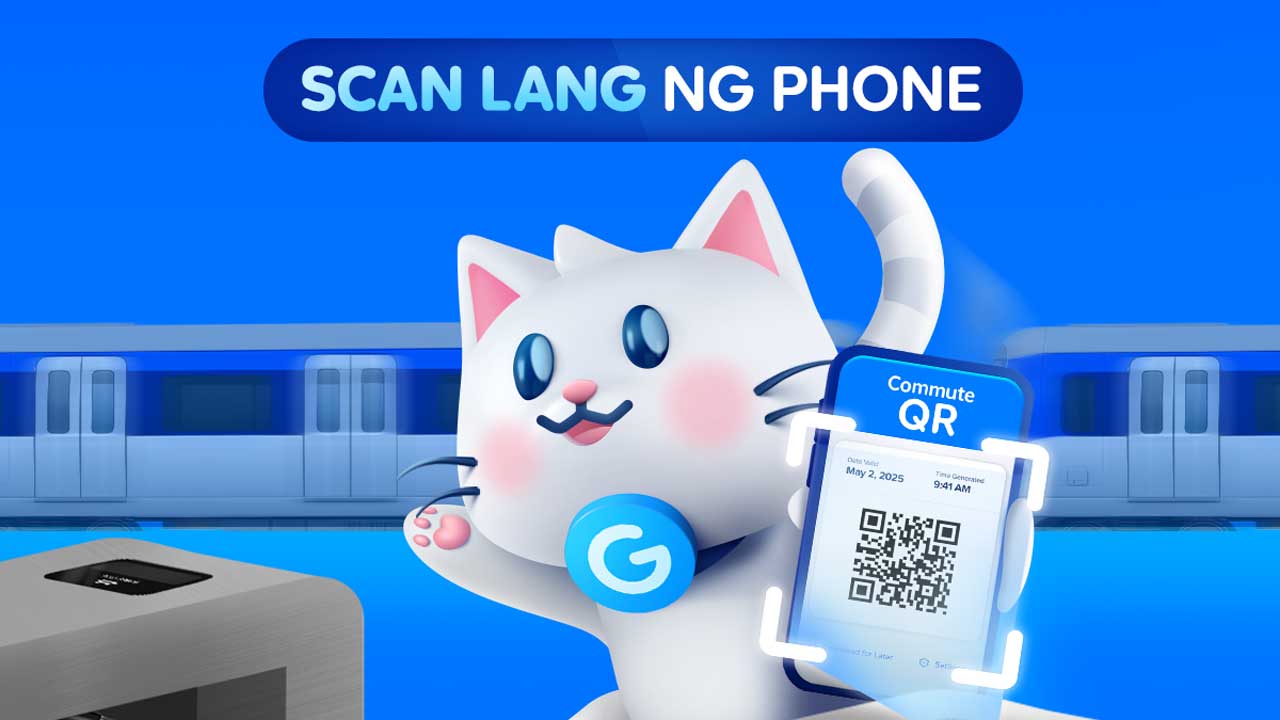
Who can use this: All smartphone users (Android or iPhone).
At the Station:
- To Enter: Open your GCash app and tap Commute, then select Generate QR. Hold your phone up to scan this QR code at the fast lane turnstile. You can take a screenshot of the QR for convenience.
- To Exit: Scan the exact same QR code at the exit turnstile.
Good to know: For Globe and TM subscribers, this feature works even without a mobile data connection.
Option 3: Tap Your GCash Card
This method is for those who prefer using a physical card.
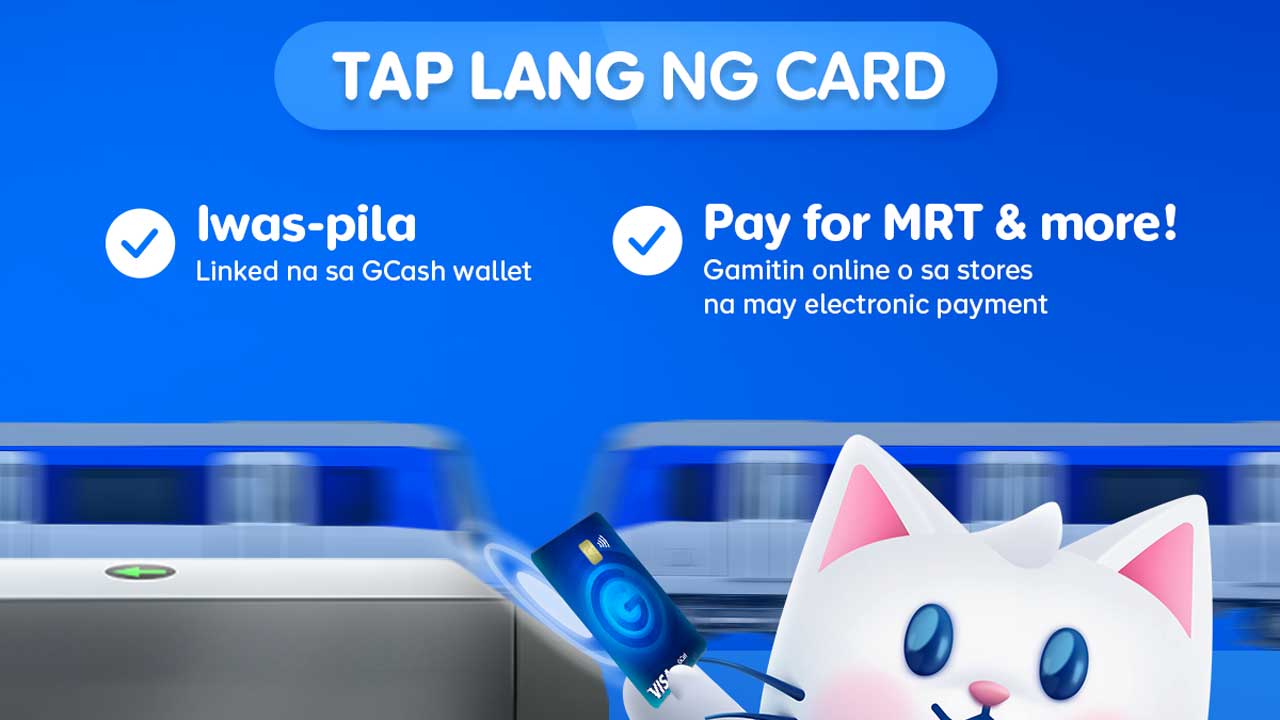
Who can use this: Anyone with a GCash Visa Card.
Getting and Linking Your Card: You can order a card directly from the GCash app. Go to the Cards section and select ‘Order a Card’ (the fee is ₱250). When it arrives, use the same section in the app to link it to your account.
At the Station: Simply tap your GCash Visa Card on the reader when you enter, and tap it again when you exit.
Important Note: This card payment feature is still new. For the time being, your change will be returned to your GCash wallet within 24 hours of your trip. You can check your app’s Transaction History to confirm.
How Your Fare Is Calculated
Here is a simple breakdown of how the payment process works for all methods:
- Upon Entry: The system temporarily deducts the maximum fare of ₱28 from your wallet.
- Upon Exit: The system calculates the actual cost of your ride based on where you started and ended your trip.
- Your Change: The difference is refunded directly to your GCash wallet immediately after you exit (or within 24 hours if you used the GCash Card).


yes I am happy