Internet Service Providers (ISPs) loves to sell the idea that faster is always better. They dazzle us with “Gigabit” speeds and “blazing fast fiber,” but for most homes, the top-tier plan is overkill. On the flip side, cutting too many corners leads to the “buffering wheel of death” during a movie or a frozen screen during a big Zoom call. We all remember the frustration of the 2020 lockdowns and nobody wants to go back there.
So, what is the “best” speed for your home? It isn’t one magic number. It’s a calculation based on who lives with you, what you do online, and a few “hidden” metrics that matter more than the number on the box.
Table of Contents:
Three Pillars of Performance
Before picking a plan, you need to understand how your connection actually works.
- Bandwidth: Measured in Mbps (Megabits Per Second). Think of your connection as a highway. Mbps is the number of lanes. A wider road (higher Mbps) lets more “cars” (data) travel at once without a traffic jam.
- Download: Pulling data from the web (Netflix, loading sites). This is the big number ISPs advertise.
- Upload: Sending data to the web (your video on Zoom, backing up photos, posting to social media).
- Speed vs. Capacity: Having 1,000 Mbps doesn’t necessarily make a single email load 10x faster than 100 Mbps. However, it does allow 10 people to download that email at the same time without anyone slowing down.
- Latency: If Mbps is the width of the highway, latency is the speed limit. It’s the delay (in milliseconds) it takes for a signal to go out and come back.
- Low Latency (<20ms): Smooth gaming and video calls.
- High Latency (>100ms): Causes “lag” and people talking over each other on Zoom, even if your Mbps is high.
Which Plan Do You Actually Need?
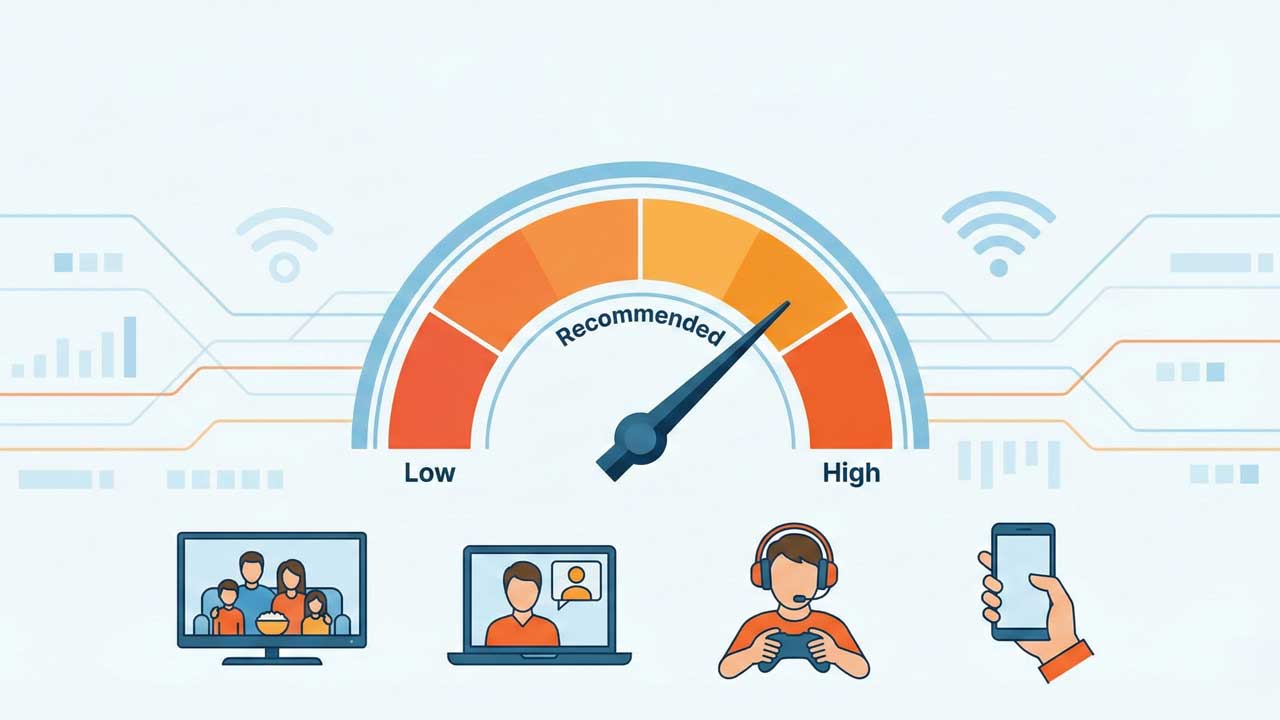
The FCC recently set 100 Mbps Download / 20 Mbps Upload as the new baseline for “broadband.” For a modern home in 2026, this is your starting point.
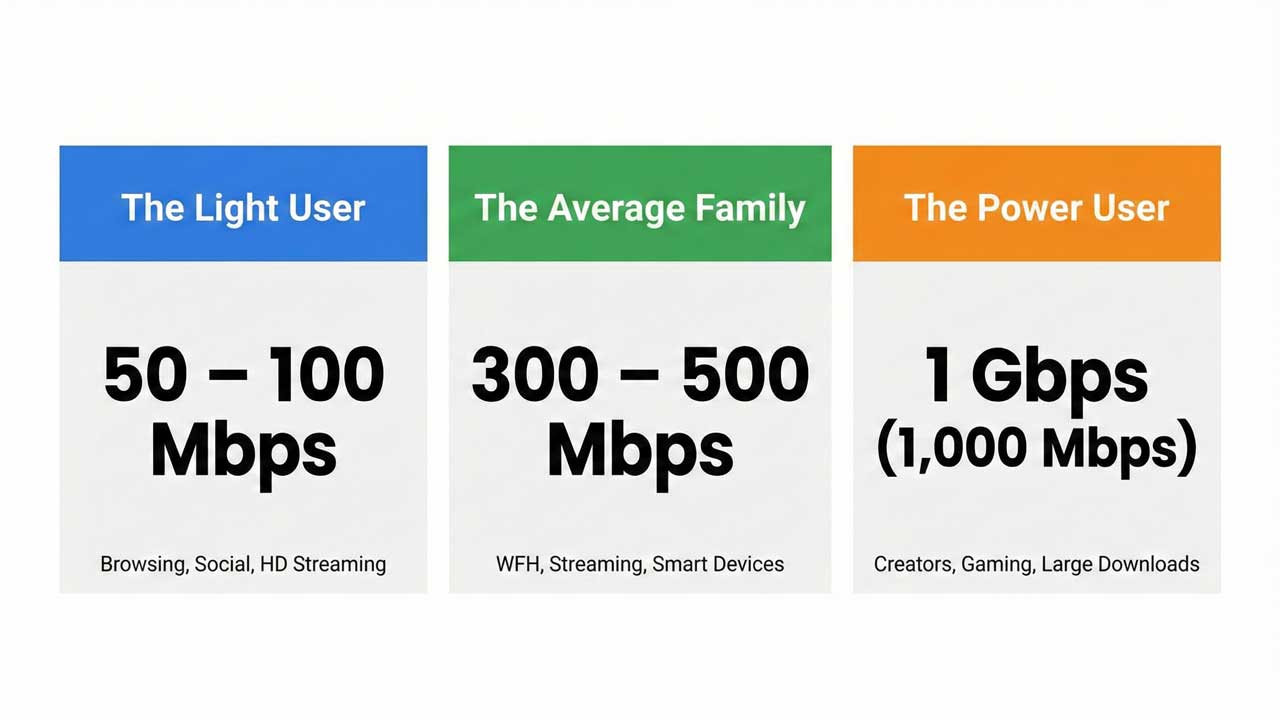
| User Type | Recommended Speed | Profile |
| The Light User | 50 – 100 Mbps | 1–2 people. Mostly browsing, social media, and HD streaming (1080p). No massive file downloads. |
| The Average Family | 300 – 500 Mbps | 3–5 people. Working from home, kids on Disney+ or YouTube, and smart home devices (cameras/speakers). |
| The Power User | 1 Gbps (1,000 Mbps) | Creators, streamers (Twitch/YouTube), or gamers downloading 100 GB+ files regularly. |
The Verdict: 300–500 Mbps is the “sweet spot” for most. It handles multiple 4K streams and Zoom calls simultaneously without breaking a sweat.
Factors Most People Ignore
- Upload Bottleneck
Most cable plans are “asymmetrical”—you might get 400 Mbps down but only 10 Mbps up. If two people are on video calls while a phone is backing up to the cloud, that 10 Mbps will max out. Your video will freeze, even though your download speed is “fast.”
- Fix: Look for Fiber Internet. It’s usually “symmetrical” (e.g., 300 Mbps down and 300 Mbps up).
- Connection Type Matters
- Fiber: The gold standard. Fastest, most stable, and best for gaming.
- Cable: Fast downloads, but weak uploads. Can slow down when the whole neighborhood gets online after work hours.
- 5G Home Internet: Good for light use, but speeds can jump around depending on the weather or cell tower traffic.
- Starlink/Satellite: Essential for rural areas, but higher latency than ground-based cables.
- Your Router is the Weak Link
You can pay for 1,000 Mbps, but if you’re using an old router tucked in a closet, you might only get 50 Mbps in the bedroom.
- Fix: If your home is larger than 1,500 sq. ft., use a Mesh Wi-Fi system to spread the signal evenly.
Real-World Stress Test
In the Philippines, homes are often multi-generational with many devices running at once. I use a 500 Mbps Fiber plan, which is about 5x faster than the current national average (approx. 95 Mbps).
Here is how that 500 Mbps holds up during a “peak hour” with 5 heavy users:
- Browsing & Email (5 users): 25 Mbps
- HD Streaming (5 users): 75 Mbps
- 4K Streaming (2 users): 100 Mbps
- Zoom Calls (2 users): 20 Mbps
- Online Gaming (2 users): 50 Mbps (includes buffer for updates)
- Total Usage: 270 Mbps
Even with everyone active, I’m only using about 54% of my 500 Mbps capacity. This proves that for most families, a 500 Mbps plan provides a massive “safety net” without the unnecessary cost of a 1 Gbps plan.

Not sure which provider offers the best Fiber or 5G in your area? See this detailed breakdown of Philippine ISP plans.
Final Summary
- Competitive Gamer? Focus on Latency (Ping) and use an Ethernet cable.
- Work from Home? Focus on Upload Speed (Get Fiber).
- Multiple 4K TVs? Aim for 300–500 Mbps.
For the vast majority of households in 2026, 300 to 500 Mbps Fiber is the absolute “best” internet. It offers enough bandwidth for heavy 4K streaming and smart devices, usually comes with high upload speeds for working from home, and avoids the diminishing returns of expensive Gigabit plans.